
Salesforce doesn’t fail because of bad CRM strategy. It fails because of what’s underneath it: messy data, manual workarounds, and tools bolted on without a plan. This article breaks down the categories that matter, compares fifteen of the market’s top solutions, and gives you a real framework for building a stack that fits your team instead of someone else’s.
Why Does Salesforce Data Management Matter for Customer Data and CRM Success?
Ultimately, whether a CRM investment is actually going to pay off or not comes down to data management as a topic in Salesforce. Even the most well-planned CRM platform is going to falter if the data quality is poor, or if the underlying Salesforce platform isn’t properly managed. Everything downstream is going to be affected in some way, from sales productivity and forecasting accuracy to customer trust.
What business risks arise from poor Salesforce data management?
The cost of neglecting Salesforce data management doesn’t usually appear as a single dramatic disaster. It tends to build up quietly and appear in a place where the cost of fixing such an issue would be bigger than in most of the environment. This can include examples such as a missed quota, a failed audit, or a lost renewal.
More examples of business risks appearing as a result of poor data management in SFDC (original name of the platform, Salesforce Dot Com) are presented in a table below:
| Risk | Business Impact |
| Duplicate or inaccurate records | Executives misjudge pipeline health, win rates, and territory performance |
| Manual reconciliation | Reps lose selling time cleaning up leads and contacts instead of prospecting |
| Ungoverned personal data | GDPR/CCPA exposure, with potential fines or legal action |
| Dirty data feeding integrations | Corruption spreads into marketing automation, billing, and analytics tools |
| Missed renewals or wrong account ownership | Direct, measurable revenue leakage |
Stop Guessing at Pipeline Health
See how GRAX protects the data your forecasts depend on.
How does Salesforce data quality impact customer data, the sales team, and analytics?
Poor data quality can rarely stay within the borders of a single department.
It all tends to start with customer data, where duplicate or incomplete records fracture the view of each account. Not only does this lead to weakened personalization, but it also affects continuity across service touchpoints.
The sales team is the next affected department – with each sales rep that notice inconsistent records refusing to trust the CRM, quietly falling back to spreadsheets or personal notes as a result. This only accelerates the decay of the system that was supposed to solve the issue in the first place.
By the time the issue lands in the hands of analytics, it’s usually imperceptible to the individuals who depend on it most. Picklist values not aligning and mismatches in naming conventions are not the issues that cause error flags to appear. They simply change the numbers quietly.
All this information can be leveraged to create a forecast that seems spot-on but is actually incorrect, which can be far riskier than dealing with a clearly broken report.
What are common Salesforce data management challenges within Salesforce implementations?
Most issues with Salesforce data management can be traced back not to the platform itself, but to the way it was built and maintained as time went on. There are a couple of trends that show up often enough to be considered near-universal for this topic, such as:
- Lots of entry points (manual entry, web-to-lead forms, third-party integrations) feeding into the same set of objects without deduplication, producing record duplicates almost by design
- Sales teams expanding faster than internal process standardization, creating inconsistencies in manual entry and raising total error rates
- Free-text fields that are used differently between reps or teams, undermining most of the reporting effort created on top of them
- Treating Salesforce as just another system among several instead of relying on it as a single source of truth
- Lack of ownership for specific data standards, validation rules, and cleanup cadence leads to no one being directly accountable for when the quality starts to go down
How Do You Choose the Right Tool for Salesforce Data Management Within Salesforce?
Finding the “best” Salesforce data management tool is not the right way to approach the topic of software selection. Finding an effective data management tool with advantages that target your organizational circumstances, size, risk levels, and overall expertise level should be everyone’s main approach.
What criteria should you use to evaluate data management tools?
A short list of such criteria would be enough to separate tools that can solve real problems from the ones that are doing nothing but adding complexity:
- Ease of implementation
- Native Salesforce fit
- Total cost of ownership
- Vendor support and roadmap
- Time to value
How important are scalability, security, compliance, and Salesforce users?
| Dimension | Why it matters | Risk if ignored |
| Scalability | Data volume and user count grow faster than expected | Tool becomes a bottleneck within 12–18 months |
| Security | Salesforce holds sensitive customer and financial data by default | Breach exposure, loss of customer trust |
| Compliance | GDPR, CCPA, and industry rules apply to CRM data directly | Regulatory fines, forced data deletion |
| Salesforce users | Admins and reps must be able to actually use the tool day to day | Low adoption, shadow processes outside Salesforce |
All these dimensions rarely fail in isolation, too. For example, a tool that scales well but ignores the security aspect of the environment is only going to move the risk further down the timeline instead of fixing it outright.
When should you pick native Salesforce tools vs. third-party solutions?
Native Salesforce tools are designed to work best when the needs are narrow and well-supported inside the platform already (simple automation, basic import/export, straightforward reporting). Tools like these carry no extra licensing cost, can keep up with every Salesforce release, and also need less specialized knowledge to maintain over time.
A third-party solution, on the other hand, becomes worth the investment when the requirements exceed the capabilities of native tools, be it:
- Complex ETL (extract, transform, load) across multiple systems
- Enterprise-grade backup and recovery
- Automation expanding over the borders of the Salesforce environment
The general guideline in most cases is to start native and only bring in a third-party solution when there is a clearly-defined need to do so. Attempting to adopt one such solution beforehand simply because a competitor or analyst report recommends it is often counter-productive, as it’s difficult to predict what needs a specific company is going to encounter in the future.
Which SFDC Tools Are Best for Data Import and Export?
Import and export needs come in all shapes and sizes, from a one-off file cleanup to a permanent pipeline feeding multiple systems’ data directly into Salesforce. The actual choice between such tools mostly comes down to data volume, frequency, and technical complexity.
What capabilities does Data Loader provide and when should you use it?
Salesforce’s own Data Loader is a native desktop tool capable of utilizing Bulk API to handle large data volumes with a high degree of efficiency. It’s CSV-friendly, schedules jobs using the command line, and also supports field mapping for straightforward migrations, making it a great tool for basic imports and structured file formats.
Data Loader is perfect for one-off or infrequent bulk operations, such as:
- Initial data migration
- Quarterly cleanup
- Bulk update after an org restructure
That being said, it’s far from the best option for real-time or near-real-time integrations because it tends to struggle with processes that have to run continuously or react to live triggers. It is in such cases that more sophisticated ETL platforms and middleware tools start being considered.
How do tools like Jitterbit, Mulesoft, and Talend compare for ETL tasks?
Choosing the right Salesforce integration tool among these three comes down to a range of features and nuances, most of which can be summarized in the following table:
| Tool | Best For | Strength | Limitation |
| Jitterbit | Mid-market teams needing fast setup | Low-code interface, quick deployment | Less depth for highly complex, multi-system architectures |
| MuleSoft | Enterprise, multi-system integration | Extensive connectors, API-led architecture | Steep learning curve, high cost |
| Talend | Data-heavy organizations with technical teams | Strong data transformation and quality tooling | Requires more hands-on technical skill to configure |
There is a rough spectrum between power and accessibility that these three solutions can be placed on:
- Jitterbit prioritizes setup speed
- Talend prioritizes data transformation depth
- MuleSoft prioritizes architectural scale
As mentioned before, the most suitable choice for a specific company is going to depend on their specific needs and preferences instead of merely comparing feature lists.
Can declarative options like Data Import Wizard meet your needs?
Yes – but only for simple, low-volume imports.
Data Import Wizard, which is Salesforce’s built-in guided import tool, can cover common objects with a point-and-click interface and no technical setup necessary. It can be useful when there is a need to import less than 50,000 records in total, if those objects are standard and only need basic duplicate matching. Every other situation is practically a no-go for this tool, including any custom objects at scale, complex field mapping, recurring schedules, etc.
Your Data, Your Cloud, Your Rules
Get a walkthrough of GRAX’s customer-owned backup model.
Which SFDC Tool Categories Deliver the Highest ROI for Different Salesforce Teams?
ROI from Salesforce is rarely correlated to the category that tool is in; it depends on how a specific team uses Salesforce day-to-day. It comes from matching the category to the team that has the biggest issues.
Different tools offer different values depending on which team is using them. A data quality tool can deliver little value to a DevOps team, a release management platform wouldn’t do much to an overwhelmed sales ops group, and so on.
Some of the biggest examples of such synergy between tool category and ROI are presented below:
| Tool Category | Highest ROI For | Why |
| Data import/export & ETL | Sales ops, RevOps | Removes manual data entry bottlenecks at scale |
| Backup & archiving | IT, admins | Protects against accidental deletion and storage bloat |
| Automation/iPaaS | Operations, cross-functional teams | Eliminates repetitive manual processes across systems |
| Data quality & dedup | Sales ops, marketing | Directly improves rep trust and campaign targeting |
| Security & compliance | IT, legal/compliance | Reduces regulatory and breach exposure |
| DevOps & release management | Salesforce development teams | Prevents deployment errors and downtime |
| Monitoring & observability | IT, admins | Catches integration failures before they cascade |
Across these categories, a few patterns can be noticed:
- Salesforce tools for sales teams often show the fastest ROI in the smaller teams where tools reduce the most daily manual work
- The majority of ROI is concentrated in integration, security, and DevOps categories when it comes to larger, multi-system organizations where the cost tends to scale with complexity
- Regardless of the total team member numbers, companies that operate in compliance-heavy fields (finance, healthcare) should use security and archiving tools as the regulatory risk does not scale down with smaller team sizes
Top SFDC Tools
Since theoretical knowledge can only take you so far, companies would have to start comparing actual products against each other sooner or later.
Finding the best Salesforce integration option often depends on matching category to need, above all else. All the solutions presented below cover the categories that were just discussed, from ETL and integration solution to backup, DevOps, and data quality software – all of which was evaluated with real user ratings, pricing data, and other multifaceted information.
MuleSoft
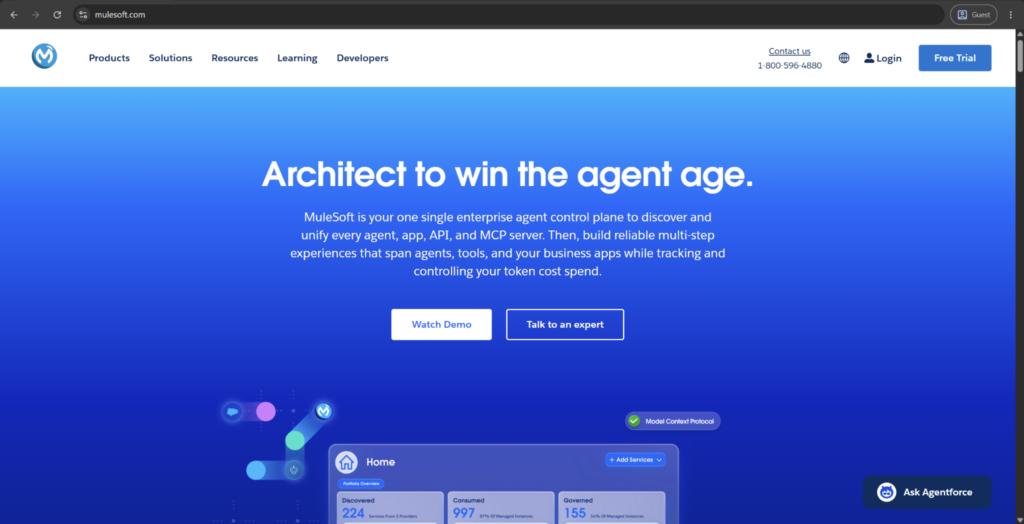
MuleSoft is Salesforce’s enterprise integration and API management solution, designed around its core offering, the Anypoint Platform. Salesforce purchased MuleSoft in 2018 for $6.5 billion; the product is currently used to link systems, data, and applications (both cloud-based and on-premises) through an integration design where all elements are arranged within layers of reusable software modules.
Key components of the platform include Anypoint Studio for creating integrations, CloudHub for the cloud runtime deployment, and API Manager for governance purposes. It also has the low-code/self-service component MuleSoft Composer designed for business people, and MuleSoft RPA (robotic process automation) that automates repetitive human tasks. Its pricing is tiered (Gold, Platinum, Titanium) and scales around vCore usage, making it geared for more mature companies with many different systems to tie together.
Customer ratings:
- Capterra — 4.4/5 points based on 575 customer reviews
- G2 — 4.5/5 points based on 775 customer reviews
Advantages:
- DataWeave, MuleSoft’s built-in transformation language, handles complex data mapping tasks other platforms require custom scripting for
- API-led connectivity organizes integrations into reusable layers, reducing duplicated work as the number of connections grows
- Backed by Salesforce’s roadmap and resources, ensuring long-term investment and integration with the broader Salesforce ecosystem
Shortcomings:
- Steep learning curve makes the platform difficult for teams without dedicated integration developers or prior Mule experience
- Implementation often requires certified partners, adding cost and timeline before the platform delivers meaningful business value
- Pricing scales quickly with vCore consumption, making it expensive for organizations with modest integration requirements
Pricing:
There is no official information about MuleSoft’s pricing on their official website. The only way to get any information in this department is to contact the company directly.
The author’s personal opinion:
MuleSoft differs from most data manipulation/viewing tools available in Salesforce in the sense that it achieves much more architectural complexity than many lighter tools, native or otherwise. However, all that power also has a steep learning curve, and enterprises that don’t have a team of dedicated integration developers often hurry with bringing in an implementation partner well before seeing any meaningful value from the solution.
Where this platform shines the most is in complex, multi-system environments where simpler iPaaS (integration platform as a service) tools tend to hit a ceiling eventually (especially those that already run large-scale API programs beyond Salesforce). Businesses with straightforward Salesforce requirements would probably find it difficult to justify the enterprise-scale pricing and complexity of this solution compared to lighter options that are available later on in this article.
Jitterbit
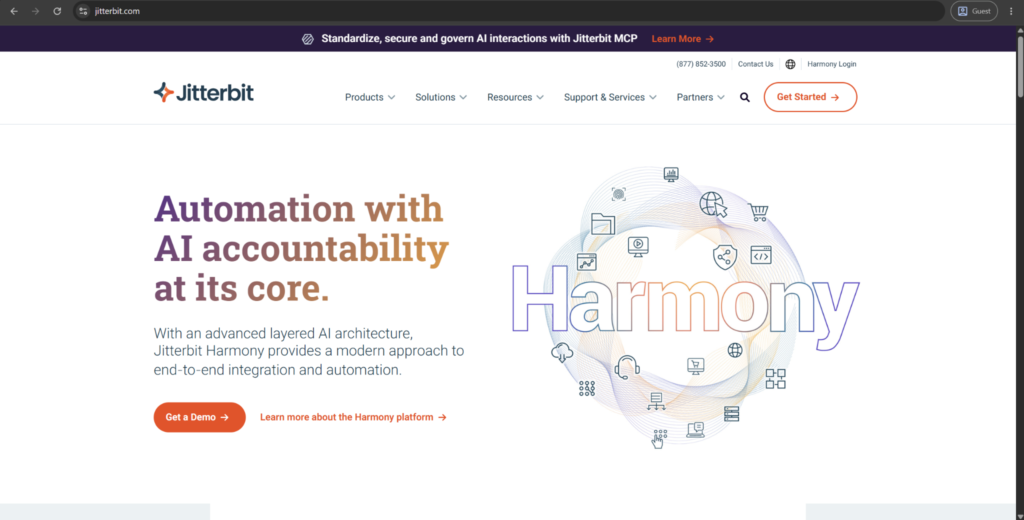
Jitterbit is a low-code integration platform created around the core product of the company called Harmony. Instead of requiring custom development to work, it connects Salesforce to other systems using pre-built connectors, an API management layer, and a visual drag-and-drop mapping interface that was designed originally for teams without deep technical resources.
The platform consists of iPaaS for integration, API Manager for governance, App Builder for lightweight application development, and EDI for exchanging business documents with partners in trade. Speed has always been integral to Jitterbit’s positioning, and it even uses the fact that many of its customers get the first integration running within 30 days as its own promotional material.
Customer ratings:
- Capterra – 4.4/5 points based on 45 customer reviews
- G2 – 4.5/5 points based on 622 customer reviews
Advantages:
- Harmony Cloud Studio includes a built-in AI recipe generator that drafts integration logic from plain-language descriptions
- Drag-and-drop interface lets teams without dedicated developers build working connections in a fraction of typical setup time
- Bundled EDI capability handles business document exchange with trading partners without requiring a separate specialized tool
Shortcomings:
- Complex transformation logic or large-scale enterprise architecture eventually exceeds what the low-code interface handles well
- Smaller connector ecosystem than heavier platforms like MuleSoft, occasionally requiring custom API work for niche systems
- Documentation and community support lag behind larger, more established competitors, slowing troubleshooting for less common issues
Pricing:
Jitterbit’s pricing is completely quote-based, with three pricing plans: Standard, Professional, and Enterprise. The pricing plans differ in terms of the number of connections, number of environments, support response times, etc.
The author’s personal opinion:
Jitterbit reads as a faster and more friendly alternative to many of the enterprise-grade heavyweights in this field (like the aforementioned MuleSoft). The low-code drag-and-drop approach allows teams without dedicated integration capabilities to create working connections in a fraction of the time it would take to do the same manually.
However, that openness does have a ceiling of sorts. Once a project reaches the point where it demands sophistication beyond its basic integration requirements, enterprise architectural concepts, or extensive custom code/scripting layering – it will rapidly overpower Jitterbit’s simplicity and force its users to seek one of the competitors for the raw depth they provide.
Talend
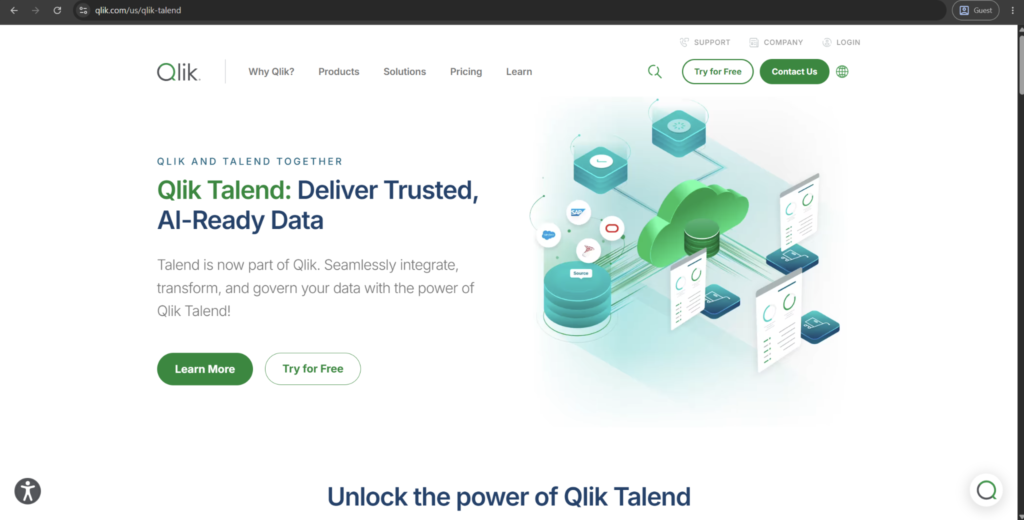
Talend (now part of Qlik) is a set of data integration and quality tools in a single platform that was designed around the ETL and data fabric technologies. It enables data to flow between Salesforce and other databases or data warehouses with a graphical interface that has over 900 connectors. This allows Talend to allow for many different supporting scenarios, from simple data migration projects through to complex data transformation and high-volume data processes.
The platform brings built-in tools for data quality, governance, and big data integration in combination with its core ETL engine. Historically, Talend has been known as a significant solution in big data fabric evaluations and data integration, showcasing great results when it comes to working with massive, complex data.
Customer ratings:
- G2 — 4.3/5 points based on 105 customer reviews
Advantages:
- Open-source origins mean a free Talend Open Studio version still exists for smaller-scale data integration needs
- Strong data profiling tools surface quality issues automatically before they propagate into downstream systems or reports
- Over 900 connectors give broad reach across databases, cloud platforms, and legacy on-premises systems alike
Shortcomings:
- Steeper technical learning curve makes it better suited to data engineers than admins seeking a quick fix
- Qlik acquisition introduces roadmap uncertainty as the two companies’ product lines get consolidated over time
- Real-time integration capabilities lag behind dedicated iPaaS platforms built specifically for event-driven, low-latency use cases
Pricing:
Talend does not have any official pricing information available on its website, even after being acquired by Qlik.
The author’s personal opinion:
Talend focuses on data quality and transformation depth over plug-and-play capabilities. It shines the most in scenarios with large datasets that contain messy or inconsistent data in need of a thorough cleansing before it can be moved to a warehouse or a downstream environment.
This way, Talend becomes a much better option for data engineering teams, not admins that only need some sort of a rapid low-code resolution. At the same time, organizations without dedicated technical resources to support this solution may find it a tough sell compared to many other options that are lighter and faster with low data volume.
GRAX
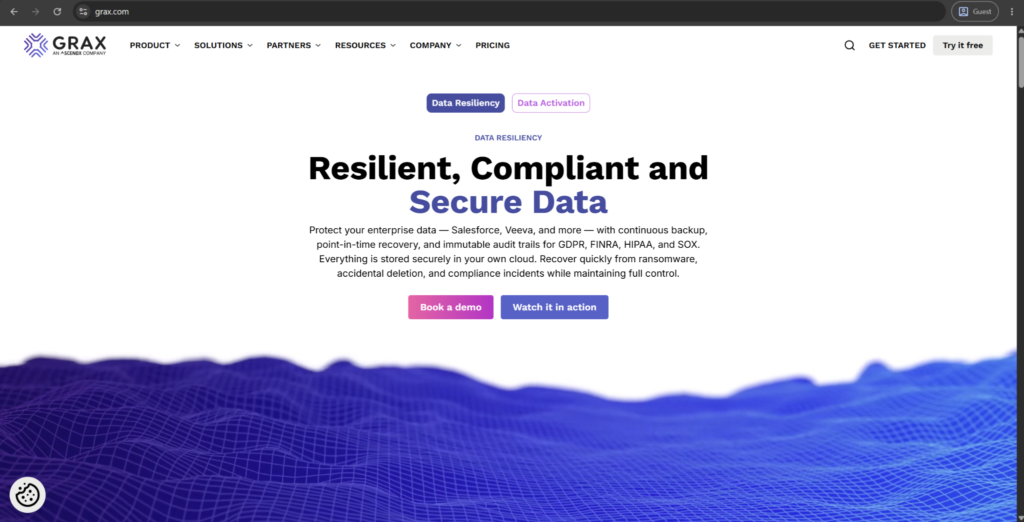
GRAX is a Salesforce data protection platform that can cover backup, archiving, and long-term data reuse across the data lifecycle. It can continuously stream all versions of Salesforce data (records, metadata, attachments) to a customer-owned cloud storage, be it Azure, AWS, or GCP.
Key features of the platform include automated incremental backups, one-click record restoration, and archive tooling that can safely remove records from Salesforce while keeping them available for search and restoration. GRAX also provides sandbox seeding capabilities along with multiple analytics use cases, allowing archived data from Salesforce to continue feeding into BI (business intelligence) and AI/ML tools once it leaves the environment.
Customer ratings:
- AppExchange — 5/5 points based on 32 customer reviews
Advantages:
- Customer-owned cloud storage means data lives in the organization’s own AWS, Azure, or GCP account, not a vendor silo
- Archived data remains queryable and feeds directly into BI and machine learning pipelines outside Salesforce
- One-click record restoration simplifies recovery compared to more manual, multi-step processes some competitors require
Shortcomings:
- Customer-owned storage model shifts some infrastructure cost and configuration responsibility onto the customer’s own cloud account
- Narrower brand recognition than larger backup vendors can make procurement and vendor-vetting processes slower
- Broader scope covering archiving, deletion, and analytics may exceed what teams needing only simple backup actually use
Pricing:
GRAX offers no specific prices on its pricing page, but it does offer some information about its licensing tiers:
- Daily Plan — offers daily backups, granular recovery, PITR (point-in-time recovery), sandbox seeding, built-in parquet data lake, and more
- Continuous Plan — expands upon the previous option with continuous backup, data archival & data retention policy management
- Continuous + Intelligence Plan — adds one-click data lakehouse deployment for advanced analytics to the previous offering
The author’s personal opinion:
GRAX’s central notion is customer-owned storage; your company’s data lives in your own cloud account instead of the one offered by a vendor. That kind of difference matters the most for organizations that worry about vendor lock-in or want to get direct access to historical data for reporting and ML pipelines.
The platform’s functionality runs deeper than just the backup capabilities; it extends into archiving, deletion workflows, and sandbox seeding for testing and development purposes. However, if a company only needs the most bare-bones backup and recovery functionality, then some of GRAX’s capabilities may prove to be of limited value.
Workato
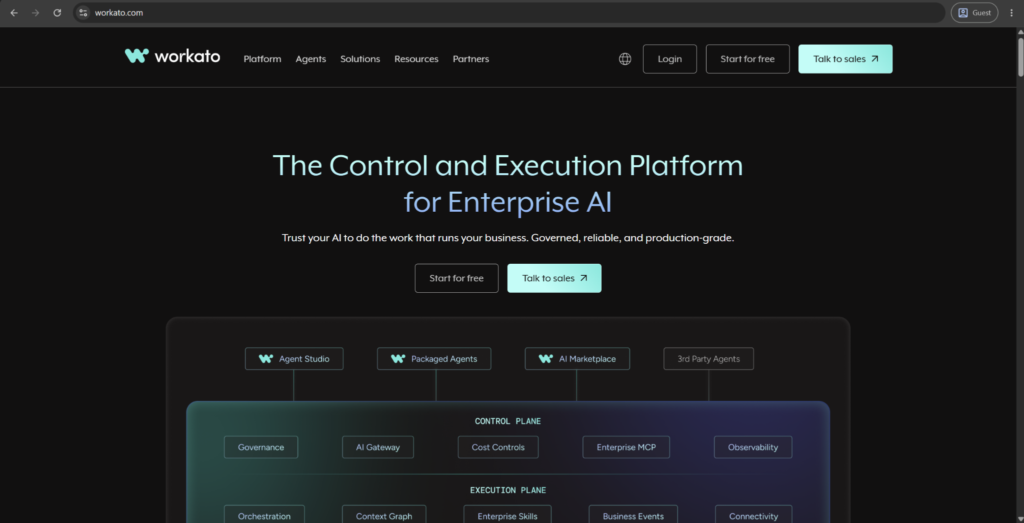
Workato is a cloud-based integration and automation platform based on recipes – reusable, plain-language workflow definitions that orchestrate Salesforce’s connection with other business systems. Users are spoiled for choice: the vendor provides over 1,200 different connectors that cover not only modern SaaS tools but also databases (SQL Server, Oracle) and legacy on-premise systems.
In addition to simple field syncing, the platform allows you to develop custom, event-driven automation with real-time triggers. Additionally, Workato expands into the field of AI-driven use cases by connecting large language models and data platforms with standard business apps. It even has a number of compliance certifications, such as SOC 2 Type II and ISO 27001.
Customer ratings:
- Capterra – 4.6/5 points based on 85 customer reviews
- G2 – 4.7/5 points based on 778 customer reviews
Advantages:
- Over 1,200 connectors span modern SaaS tools alongside legacy on-premises systems and databases like Oracle and SQL Server
- Plain-language recipe format lets business teams build automations without waiting on a developer or IT ticket
- SOC 2 Type II and ISO 27001 certifications give enterprise buyers a clear compliance and security baseline
Shortcomings:
- Highly complex, custom transformation logic still tends to require dedicated ETL or iPaaS tools built for that depth
- Recipe sprawl can become difficult to govern once many teams build automations independently without central oversight
- Pricing is not publicly listed, requiring a sales conversation before organizations can compare total cost accurately
Pricing:
There is no public pricing information about Workato available on the official website. The pricing model itself is based on usage in combination with the selected model tier that sets the range of available capabilities.
The author’s personal opinion:
There’s a consensus around Workato being an automation solution that enterprise teams can use without waiting for IT’s input due to the recipe-based, plain-language approach that it has. Surprisingly enough, that kind of accessibility also doesn’t come at the expense of governance, with the platform being able to provide both an easy building experience and enterprise-grade security and audit controls.
Workato is at its best when positioned as a direct alternative to bigger, more complex competitors in the field, trading lower architectural depth for faster time-to-value. That being said, customers in need of a complex, custom transformation logic might find that dedicated iPaaS or ETL tools fit their specific goals in a much better fashion.
Boomi

As a Dell Technologies company, Boomi works as an integration platform as a service (iPaaS) connecting Salesforce with ERP, databases, and other enterprise systems. It has a massive catalog of pre-built connectors with a drag-and-drop, low-code interface that was created with both technical and business users in mind.
On top of these core areas, there’s also API management, B2B/EDI integration, and master data management capabilities. Boomi has been recognized as a Leader in Gartner’s Magic Quadrant for iPaaS for twelve years in a row (as of 2026), celebrating a long and fruitful history in the field.
Customer ratings:
- Capterra – 4.4/5 points based on 274 customer reviews
- G2 – 4.4/5 points based on 506 customer reviews
Advantages:
- Recognized as a Leader in Gartner’s Magic Quadrant for iPaaS for eleven consecutive years, reflecting sustained market trust
- Combines integration, API management, and master data management in one platform rather than requiring separate tools
- Strong on-premises and B2B/EDI support suits industries like healthcare and manufacturing with legacy system requirements
Shortcomings:
- Interface can feel dated compared to newer, more modern low-code competitors entering the iPaaS space
- Advanced features and higher-volume tiers add cost quickly once integration needs scale beyond the basics
- Dell Boomi’s ownership structure introduces some roadmap uncertainty as the company’s positioning continues to evolve
Pricing:
Boomi does not have any specific pricing data on its official website, but it does have a dedicated pricing page that explains two of its pricing approaches (subscription-based and pay-as-you-go), along with all the different plans to choose from.
The author’s personal opinion:
Boomi tends to be sold as the cheaper alternative to more complex solutions (like MuleSoft), trading some of the API-led depth for a lower cost of entry and a faster setup. The drag-and-drop interface, combined with a large library of pre-built connectors, make it a common choice for teams that have to move quickly and don’t have much integration staff to spare.
This solution is particularly powerful for sectors such as healthcare and manufacturing, where its capability to deploy on-premises and support B2B/EDI help facilitate all the necessary requirements. Although, organizations that are centered entirely on modern SaaS-to-SaaS integrations might not need the entire breadth of enterprise capabilities that Boomi can offer.
Own
OwnBackup, operating as Own now following its acquisition by Salesforce in 2024, is a backup and recovery platform created to assist with Salesforce data protection. It saves complete copies of data and metadata across production orgs and sandboxes of any size, covering standard and custom objects, files, attachments, and Chatter feeds.
Besides its basic backup capabilities, the platform can offer data archiving to specific retention periods, sandbox seeding, and tools to streamline compliance requests (such as GDPR’s “right to be forgotten”). There is also an additional module called Continuity Data Protection, which builds on the standard backup capabilities by recording all data changes in near-real-time, targeting critical applications data for the most part.
Advantages:
- Precision recovery restores specific records, fields, or relationships to a point in time, avoiding an all-or-nothing restore
- Continuous Data Protection add-on captures every data change as it happens for fast-moving, mission-critical records
- Now integrated with Salesforce directly following the 2024 acquisition, adding platform-native trust and support continuity
Shortcomings:
- Continuous Data Protection is an add-on rather than a standard feature, increasing cost for real-time backup needs
- Now a Salesforce-owned product, which may raise vendor-neutrality concerns for organizations preferring independent backup providers
- Retention and recovery granularity, while strong, require some admin configuration upfront to use effectively
Pricing:
Due to its acquisition, Own does not have its own pricing anymore, and its capabilities are now part of Salesforce’s toolset in terms of backups and other features.
The author’s personal opinion:
One of the greatest strengths of Own is its recovery precision; team members can pinpoint and recover specific records, fields, or relationships to a point-in-time. High-granularity recovery is key for accidents such as bulk-updates of user accounts or failed application launches, where complete restoration is also going to undo a lot of the legitimate changes that were made since the backup’s creation time.
Retention flexibility is also worth highlighting here, allowing backups to be configured well beyond typical short-term windows to be able to meet longer retention requirements. Being folded into Salesforce’s internal toolset, it offers an added layer of platform-native trust that independent backup vendors have to earn on their own.
Odaseva
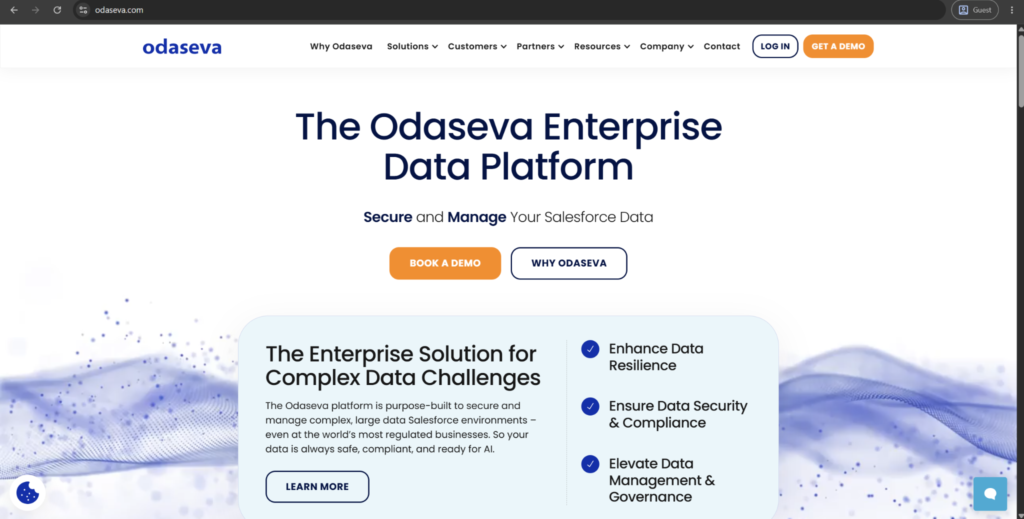
Odaseva is an enterprise data platform purpose-built for large, complex Salesforce environments, especially the ones handling large data volumes. It handles backup and restore, data archiving, data anonymization, and cloud replication to be able to move Salesforce data onto other cloud platforms.
Security permeates the platform’s entire positioning, created around the Zero-Trust architecture and using what the company describes as “no-view” data handling. There is also support for Bring Your Own Key encryption, along with data resiliency options across many global regions to help businesses meet various region-specific compliance requirements.
Customer ratings:
- G2 — 4.5/5 points based on 44 customer reviews
- AppExchange — 4.96/5 points based on 97 customer reviews
Advantages:
- Zero Trust, “no-view” architecture means even Odaseva’s own staff cannot access customer data directly
- Bring Your Own Key encryption gives organizations direct control over their own encryption keys rather than trusting a vendor
- Multi-region data residency options help global enterprises meet local compliance requirements across different jurisdictions
Shortcomings:
- Built specifically for Large Data Volume environments, making it excessive for smaller or simpler Salesforce orgs
- Enterprise positioning generally means higher pricing than lighter backup and archiving alternatives on this list
- Narrower brand recognition outside large enterprise and regulated-industry circles compared to bigger-name competitors
Pricing:
There is no publicly available pricing information that could be found on Odaseva’s official website.
The author’s personal opinion:
Odaseva is an end-to-end data management company focused only on enterprise-level businesses with large volumes and wide global distribution of data (and large, multi-region datasets in particular). The sectors where this positioning matters the most are always going to be all the heavily-regulated ones: public sector, hospitality, financials, and every other industry where data residency and audit requirements extend beyond standard backup and restore capabilities.
One of the biggest advantages of Odaseva is its encryption model that allows businesses to control their own encryption keys instead of simply trusting a vendor and offering them full data visibility.That being said, organizations without strict regional compliance needs or large data volume challenges might find the overall depth of Odaseva to be a lot more than what they actually need.
Cloudingo
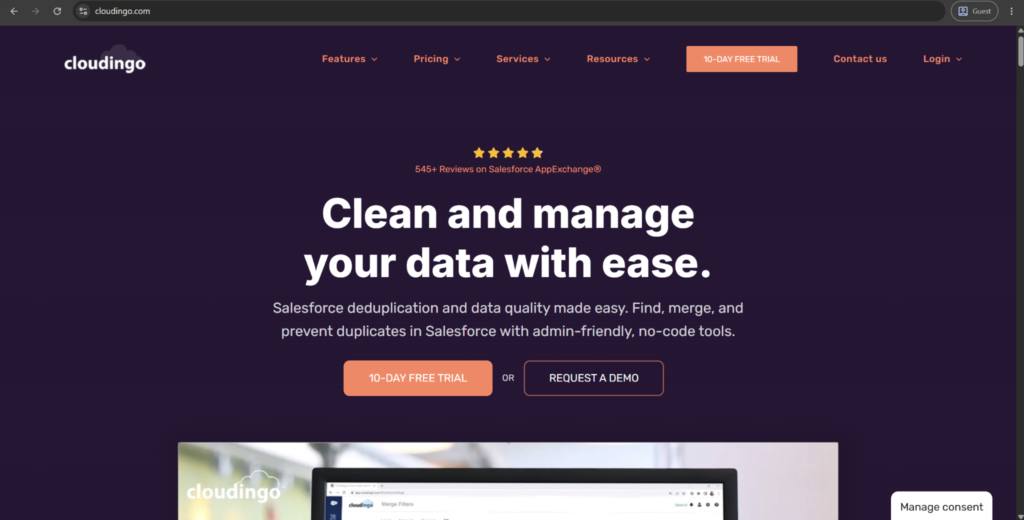
Cloudingo is a data quality and deduplication tool native to Salesforce that was created to find, merge, and prevent duplicate records (in leads, contacts, accounts, and custom objects). As the software is designed to work with API only, no client data is moved or stored in Cloudingo’s storage: the entire matching process is completed using specific pre-set criteria like email address, phone number, or name similarity.
Cloudingo is best known for its unmerge functionality, allowing admins to “undo” an incorrect merge, returning all affected records to the way they were before said merge happened. Aside from one-time cleanups, the platform also supports automated, ongoing deduplication, address standardization against USPS formatting, and cross-object matching.
Customer ratings:
- G2 — 4.4/5 points based on 37 customer reviews
Advantages:
- Unmerge capability lets admins reverse a bad merge, which is a safety net most competing deduplication tools do not offer
- Configurable matching rules give administrators granular control over what exactly would count as a duplicate in their data model
- Address standardization with USPS formatting enhances data quality further than what simple duplicate detection can offer
Shortcomings:
- Focused narrowly on data quality and deduplication, requiring separate tools for backup, automation, or archiving needs
- Initial rule configuration takes time to tune correctly for an organization’s specific data patterns
- Not particularly useful for businesses that don’t have data duplicates as their primary data issue
Pricing:
Cloudingo offers three different subscription-based pricing plans that target specific audiences:
- Standard starts at $2,500 per year for a single Salesforce org, offering a variety of data cleaning essentials such as bulk data operations, scheduled job automation, org health and security monitoring, as well as only self-service and email support
- Professional starts at $6,000 per year for a single Salesforce org, supporting everything in the previous tier, along with three user accounts, up to 3 custom objects, real-time merge, rapid import wizard, improved tracking and reporting, etc.
- Enterprise starts at $10,000 per year for a single Salesforce org, expanding the limits to 8 user accounts and unlimited custom objects while offering API integration, a dedicated customer success manager, and security audit/compliance capabilities
The author’s personal opinion:
Data quality tools typically tend to promise clean data as a result. Cloudingo uses a slightly different angle, providing direct control over the tools that are being used to perform said cleaning. Two different companies using the same tool may achieve unique, tailored outcomes depending on how the parameters were configured beforehand, be it matching rules, filters, and so on.
The unmerge feature also changes the risk calculations around deduplication as a whole. Now, the stakes of running large cleanup jobs are much lower since a single mistake during a bulk merge is something that a company can recover from instead of being stuck with it permanently.
Dataloader.io
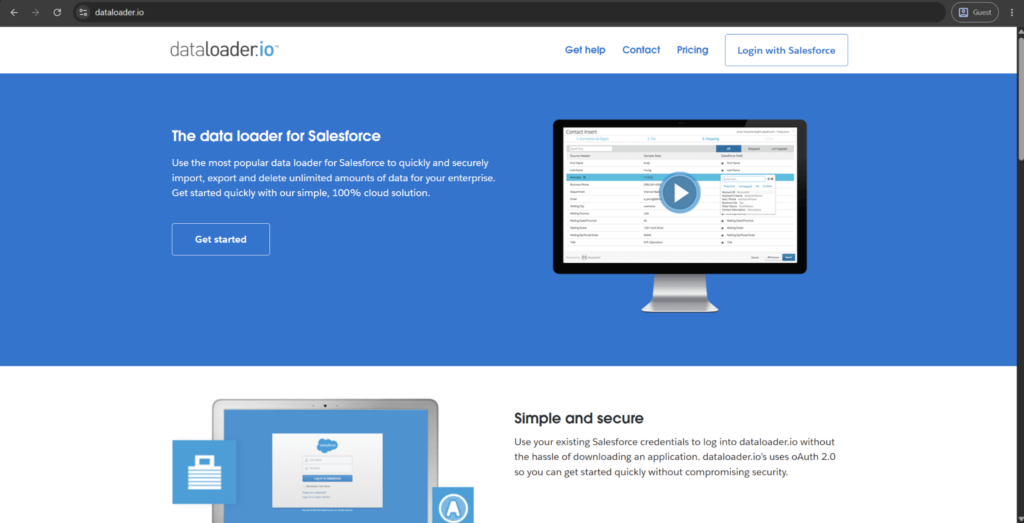
Dataloader.io is a cloud-based, browser-accessible version of Salesforce’s Data Loader, created and maintained by MuleSoft. It allows users to upload, download, and delete records directly via the web interface while authenticating with existing Salesforce credentials and without the need for a separate desktop software.
Scheduling is one of the biggest contributors to Dataloader.io being different from regular desktop tools. It can run tasks automatically on an hourly, daily, weekly, or monthly basis while supporting email notifications of task completion. It can even be connected directly to cloud storage services (Box, Dropbox, SFTP repositories) to allow for import and export jobs to use those locations as well without the need for manual download or upload.
Advantages:
- Browser-based access removes the need for desktop installation, simplifying use for distributed or non-technical teams
- Scheduling runs import and export jobs automatically on a recurring basis without manual intervention each time
- Direct integration with cloud storage services like Box, Dropbox, and SFTP removes manual download-and-upload steps
Shortcomings:
- Free tier limits scheduled task frequency and cloud storage integrations, pushing regular users toward paid tiers
- Built for straightforward bulk operations, lacking the transformation depth dedicated ETL platforms provide
- Being a MuleSoft product ties its roadmap closely to Salesforce’s broader integration strategy rather than independent development
Pricing:
Dataloader.io has three separate pricing tiers to choose from:
- Free tier supports up to 10,000 records per month but is otherwise similar to the rest of the options outside of a few limitations, such as the filesize limit (10MB), number of scheduled tasks (1), and a task expiration limit (30 days)
- Professional tier costs $99 per month per user, with 100,000 records per month, a bigger filesize limit (50MB), up to 50 scheduled tasks, no task expiration, and unlimited email notifications
- Enterprise tier costs $299 per month per user, it offers the entire feature set of dataloader.io in the same package, with unlimited records, 100MB filesize limit, SFTP support, unlimited scheduling tasks, and more
The author’s personal opinion:
Dataloader.io is, essentially, the desktop Data Loader tool without the installation step. It’s a particularly important difference for distributed or non-technical teams that used to need IT involvement just to run a bulk update. The scheduling feature alone simplifies a lot of the tasks that previously had to be done by hand only.
The limitations of a Free tier are worth noting, though. Features such as unlimited scheduled notifications and expanded cloud storage integrations sit behind the paid Professional and Enterprise tiers, so the free version covers occasional use well but not much beyond it.
Gearset
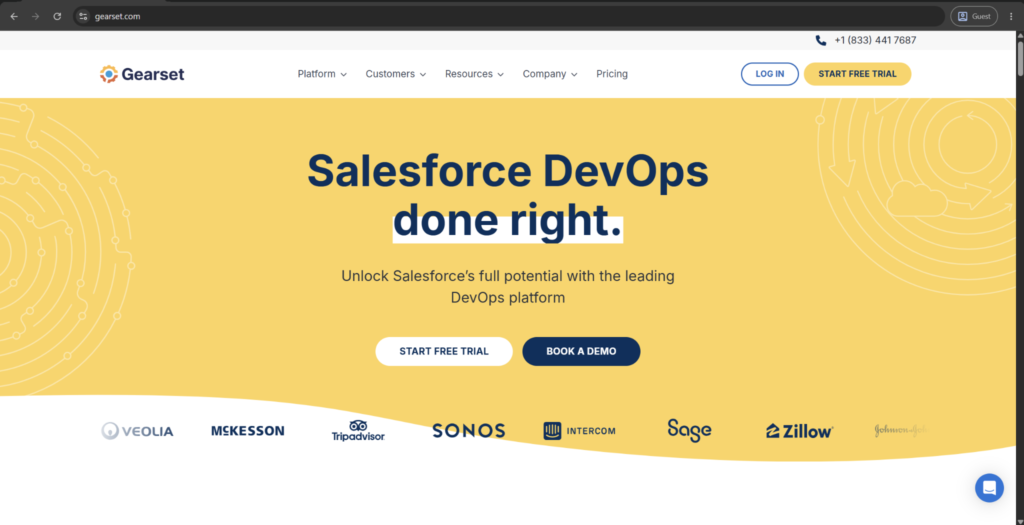
Gearset is a cloud-based Salesforce DevOps platform for deployments, CI/CD, automated testing, and backup. It moves beyond manual Salesforce change sets thanks to comparison-driven deployments, offering teams a transparent way to visualize changes between orgs before releasing anything.
In addition to its deployment capabilities, the platform includes version control integration with popular development tools like Bitbucket and GitHub, sandbox seeding with realistic test data, and pipeline visualization that shows release progress for many different environments or branches. For their enterprise users, there’s an additional governance tooling in the form of change policy enforcement and audit trails that were built to support SOX and similar compliance frameworks.
Customer ratings:
- G2 — 4.7/5 points based on 294 customer reviews
- AppExchange — 4.98/5 points based on 63 customer reviews
Advantages:
- Comparison-based deployments show exactly what differs between orgs before releasing, unlike Salesforce’s native change sets
- Backup and restore functionality is built directly into the same platform as the deployment pipeline
- Sandbox seeding with realistic test data reduces setup time before running automated tests
Shortcomings:
- Enterprise governance features like change policy enforcement sit behind higher-priced tiers than the base plan
- Primarily oriented around release management, meaning broader data quality or integration needs require additional tools
- Learning the comparison-based workflow takes some adjustment for teams accustomed to native Salesforce change sets
Pricing:
Gearset’s entire solution is provided in three different pricing tiers:
- Starter — $215 per user per month, an essential pack of DevOps features, like metadata comparison/deployment, source control, full deployment history, clone packages, live chat support, and more
- Teams — $320 per user per month, with scheduled deployments, deployment rollback, support for role-based access control, issue tracking integration, and so on
- Enterprise doesn’t have any public pricing and adds SAML to all the previously mentioned features
The author’s personal opinion:
Gearset’s primary sales pitch is to bring developers, admins, and release managers on the same shared process instead of attempting to force no-code teams to adapt to a developer-first tool. Unlike the natively available change sets in Salesforce, it uses a comparison-based deployment that shows exactly what is going to change before a deployment goes out.
One customer cited in Gearset’s own company materials has described deployment time dropping from days to about an hour after adoption. The backup and restore functionality of the solution is also built into the same platform, connecting data protection with the release process instead of treating it as a separate process.
Copado
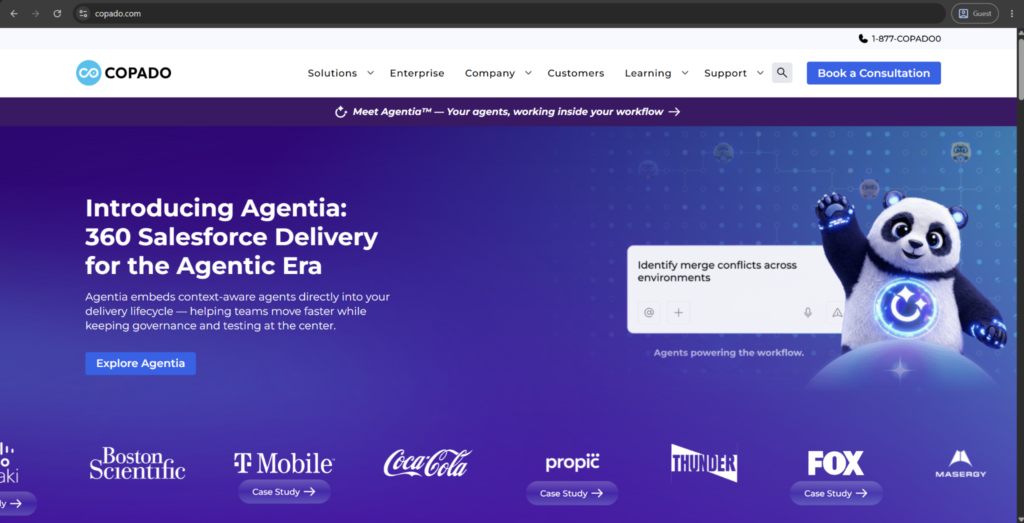
Copado is a Salesforce-native DevOps platform, utilizing CI/CD, automated testing, and org analysis under the name Org Intelligence. It visualizes what elements depend on other components within the org and maps architectural risk in an attempt to expose problems before reaching production instead of only doing so after a failed deployment.
Robotic testing that is based on a keyword-based framework automates functional testing processes without the need for custom scripting from QA teams. Copado also layers in AI DevOps agents assigned to different stages of the release process while offering built-in audit trails and governance features for both regulated and enterprise customers (including FedRAMP authorization for government Salesforce events).
Customer ratings:
- G2 — 4.4/5 points based on 331 customer reviews
Advantages:
- Org Intelligence maps dependencies and architectural risk, surfacing issues before they reach a failed production deployment
- Robotic testing automates functional QA through a keyword-based framework without requiring custom test scripts
- FedRAMP authorization makes it a strong fit for government and other highly regulated Salesforce environments
Shortcomings:
- AI DevOps agents assigned across pipeline stages add complexity that smaller teams may not fully need
- Deeply Salesforce-native design means less flexibility for organizations managing DevOps across multiple platforms at once
- Enterprise-oriented feature set and pricing make it a heavier commitment than simpler release management tools
Pricing:
Copado offers no specific pricing data on its official website.
The author’s personal opinion:
By leaning into its Salesforce-native approach Copado distances itself from being a general-purpose DevOps tool adapted to fit the platform; it’s also one of the reasons why its UI aims to mirror a lot of the familiar Salesforce experience a lot of developers and administrators work with.
Different AI agents assigned to specific stages of the pipeline also represent a more structured approach to the topic of AI assistance instead of using a single general-purpose chatbot for every situation. The FedRAMP authorization also represents a highly-specific differentiator for government and public sector Salesforce environments where such a certification is a hard requirement in most cases.
AutoRABIT
AutoRABIT makes Salesforce release management, version control, and data protection easy with its DevOps and CI/CD platform. Founded in 2015, AutoRABIT targets regulated industries with static code analysis, automated release management, and audit-ready governance controls.
The backup module of the platform (called AutoRABIT Vault) offers automated backup, recovery, sandbox seeding, and data archiving within the same environment. There is also a more recent addition called AutoRABIT Guard that adds Salesforce security posture management capabilities, scanning org permissions and configurations for risky configurations while mapping them against frameworks like PCI-DSS and ISO 27001.
Customer ratings:
- G2 — 4.3/5 points based on 193 customer reviews
Advantages:
- TAutoRABIT Guard extends the platform into security posture management, scanning org permissions for risky combinations
- AutoRABIT Vault combines backup, recovery, sandbox seeding, and archiving under the same DevOps platform
- Strong regulated-industry focus, including FedRAMP-track authorization, suits government and compliance-heavy Salesforce environments
Shortcomings:
- Broad scope spanning DevOps, backup, and security may exceed what teams needing only one function require
- Heavier regulated-industry positioning may carry pricing and complexity beyond what smaller teams need
- Newer security offerings like Guard have a shorter track record than the platform’s core DevOps tooling
Pricing:
While AutoRABIT doesn’t offer specific pricing information on its website, it does offer a few options to start interacting with the service provider in question – such as requesting a demo, getting a code assignment, or getting a risk analysis.
The author’s personal opinion:
The crux of AutoRABIT’s argument was always about the sheer complexity of Salesforce metadata, based on the idea that general-purpose DevOps tools can rarely handle Salesforce’s specific configuration risks and environment dependencies in the first place. Regulated industries show time and time again in the platform’s messaging, with features like FedRAMP-track authorization and built-in compliance mapping reflecting that kind of focus.
Guard module’s addition also signals an attempt to expand beyond traditional DevOps capabilities and into ongoing security monitoring, effectively changing org configuration reviews into something resembling a continuous scanning process instead of irregular manual review. This kind of breadth is much more suitable for organizations that are not looking for a single, narrow tool and are already juggling release management, backup, and security as separate processes.
Tray.io
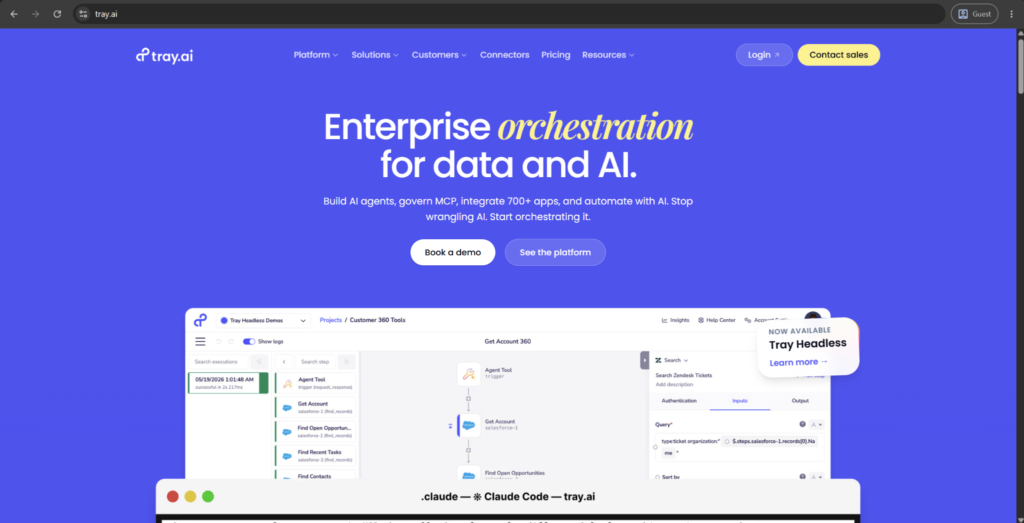
Tray.io (now also marketed as Tray.ai) is a low-code integration and workflow automation platform that helps connect Salesforce with over 600 applications in different fields. It uses a visual, drag-and-drop builder that supports branching logic, conditional routing, and loops; all of this positions it as a proverbial middle ground between heavier platforms like MuleSoft and simpler tools such as Zapier.
The platform can access Salesforce metadata directly in order to populate valid picklist values and required fields without any need for manual configuration. Its enterprise-side capabilities also include SSO support, audit logging, serverless architecture for large data volumes, and compliance certifications that include SOC 2 Type II, GDPR, and HIPAA.
Customer ratings:
- Capterra — 4.9/5 points based on 11 customer reviews
- G2 — 4.5/5 points based on 158 customer reviews
Advantages:
- Reads Salesforce metadata directly, so forms and automations respect picklists and field visibility without manual mapping
- Handles boolean logic and multi-branch conditional workflows natively, beyond what simpler automation tools typically support
- Serverless architecture scales to large data volumes, appealing to both technical and non-technical builders alike
Shortcomings:
- Sits at a mid-tier price point, potentially exceeding budget for teams only needing simple automation
- Newer agent-building features have a shorter track record than the platform’s established workflow automation tools
- Complex enterprise-scale transformation needs may still exceed what a mid-tier iPaaS platform is built to handle
Pricing:
While there is no specific cost data on the official Tray.io website, there is some information about the pricing model itself on their pricing page – such as the choice between three pricing plans (Pro, Team, Enterprise) and the overall usage-based cost model.
The author’s personal opinion:
The automation logic of Tray.io goes further out-of-the-box than most of its competitors, handling boolean conditions and multi-branch workflows natively instead of approaching them as an add-on with extra steps. Its interface is consistently remarked as approachable, even for less technical staff, while still supporting all kinds of complex, conditional logic that would usually demand direct developer involvement.
Metadata-awareness is a relatively unknown feature that upholds the value of Tray.io, letting workflows respect Salesforce’s picklists and field visibility rules automatically instead of performing manual mapping for every separate change. All the agent-building additions recently is what points toward Tray.io positioning itself as an AI-driven automation tool on top of its pre-existing integration capabilities instead of only dealing with traditional workflow orchestration.
Informatica
Informatica is an enterprise data management platform that is now a part of Salesforce following the completion of its acquisition in November 2025. Its Intelligent Data Management Cloud capability includes data integration, data quality, governance, and master data management for over 500 pre-built connectors.
Salesforce data integration is handled via Informatica’s Cloud Data Integration service, with support for ETL, ELT, and change data capture for moving records between Salesforce and other connected systems. The CLAIRE AI engine is also included in the package, built into the IDMC to provide automated mapping suggestions, data quality checks, and workflow generation across large-scale integration jobs.
Customer ratings:
- G2 — 4.3/5 points based on 105 customer reviews
Advantages:
- CLAIRE AI engine automates mapping suggestions and data quality checks across large-scale integration jobs
- Master data management resolves duplicate and inconsistent records across systems, not just within Salesforce alone
- Over 500 pre-built connectors support integration across a wide range of enterprise applications and databases
Shortcomings:
- Enterprise scope and pricing exceed what organizations with simple, single-system integration needs typically require
- Recent Salesforce acquisition introduces roadmap uncertainty as product lines get consolidated over time
- Platform’s governance and MDM depth demand more setup and data expertise than lighter tools on this list
Pricing:
Informatica uses a volume-based pricing approach with no specific cost values available on the official pricing page.
The author’s personal opinion:
Governance and data quality at enterprise scale has been the primary advantage of Informatica’s strength for a while, handling data volumes and complexity that more narrowly-focused Salesforce tools and technologies simply could not address from the get-go. Its acquisition by Salesforce changed that approach to a certain degree, positioning itself as a part of a broader “trusted data” strategy that already includes tools like Data 360 and MuleSoft.
Master data management stands out as a genuine differentiator for Informatica, resolving duplicate and inconsistent records across systems, not just in Salesforce alone. That being said, organizations that are looking for simpler, easier integrations into a single system may find the platform’s total breadth of capabilities more than what a smaller Salesforce environment would actually need.
SFDC Tools Comparison at a Glance
As there are fifteen different tools across seven categories, seeing them side-by-side should make it easier to narrow down the list of potential candidates before moving to full profiles. The table below aims to group each tool by its core category, the use case it works best in, and the one capability that sets it apart from the rest of the market.
| Tool | Category | Best For | Key Strength |
| MuleSoft | Enterprise Integration / iPaaS | Large, complex, multi-system architectures | API-led connectivity with deep transformation control (DataWeave) |
| Jitterbit | Low-Code Integration / iPaaS | Teams needing fast setup without dedicated developers | AI-assisted recipe generation and drag-and-drop simplicity |
| Talend | ETL / Data Quality | Data engineering teams handling large, messy datasets | Strong data profiling and cleansing before transformation |
| GRAX | Backup & Archiving | Organizations wanting data ownership outside Salesforce | Customer-owned cloud storage with BI/ML-ready archives |
| Workato | Automation / iPaaS | Business teams building automation without IT | Plain-language recipes with enterprise-grade compliance |
| Boomi | Integration / iPaaS | Teams needing integration, API management, and MDM together | Long-standing Gartner Leader with broad on-prem/EDI support |
| Own | Backup & Recovery | Precision, point-in-time record recovery | Granular restore down to specific records or fields |
| Odaseva | Enterprise Backup & Compliance | Global enterprises with Large Data Volume and residency needs | Zero Trust architecture with customer-controlled encryption |
| Cloudingo | Data Quality / Deduplication | Cleaning and preventing duplicate records | Reversible merges via unmerge, unlike most competitors |
| Dataloader.io | Data Import / Export | Recurring bulk import/export without desktop installs | Browser-based scheduling with cloud storage integration |
| Gearset | DevOps / Release Management | Teams replacing manual change sets with visibility | Comparison-based deployments plus built-in backup |
| Copado | DevOps / Release Management | Regulated enterprises needing structured, governed releases | Org Intelligence risk mapping and keyword-based test automation |
| AutoRABIT | DevOps + Security Posture | Regulated industries needing release + backup + security | Combines CI/CD, Vault backup, and Guard security scanning |
| Tray.io | Integration / Automation | Mid-market teams needing more power than Zapier offers | Native boolean logic with metadata-aware workflows |
| Informatica | Enterprise Data Management | Large organizations needing integration plus governance/MDM | AI-assisted mapping (CLAIRE) with master data management |
No single solution would be the best in every category, and that is completely by design. Most businesses end up deploying several of these products together depending on the current biggest pain points in a specific business instead of attempting to find a single platform for everything.
Step-by-Step: How to Build an SFDC Tool Stack
The ideal way to build a Salesforce tool stack is through intentional progression, rather than stacking a group of tools acquired as the problems emerged. The order can make a big difference here: for example, skipping the audit step tends to produce an assortment of tools that only solve the symptoms but not the root causes of issues.
The order in question is dissected below:
- Audit current data and processes. Before evaluating any tool, identify where data quality breaks down, which processes are still manual, and where Salesforce is out of sync with other systems.
- Define goals and success metrics. Tie every prospective tool to a measurable outcome (reduced duplicate rate, faster data recovery time, fewer manual hours per week) rather than adopting a category because it seems standard.
- Map gaps to tool categories. Using the categories covered earlier (import/export, backup, automation, data quality, security, DevOps, monitoring), identify which 2-3 are creating the most pain right now.
- Shortlist and evaluate tools against the earlier criteria (ease of implementation, native fit, total cost of ownership, vendor support, time to value), rather than choosing based on brand recognition alone.
- Pilot before full rollout. Test the shortlisted tool against a real, contained use case – one team, one process – before committing budget to an org-wide deployment.
- Establish governance early. Assign clear ownership over the new tool’s configuration, data standards, and maintenance cadence before adoption spreads, not after problems appear.
- Monitor, measure, and iterate. Revisit the success metrics from step 2 on a fixed cadence (quarterly is common) and be willing to retire or replace tools that underperform.
It’s also common for this plan to be cyclical in practice, with most businesses starting back from step 1 from time to time as they see new gaps emerging – all to avoid treating the software stack as a one-time build.
Which Salesforce Processes Are Worth Automating First – and Which Should Stay Manual?
Salesforce automation tools provide the greatest value to rule-based and repetitive tasks; it also offers the least (or negative) value when applied to processes that actually require human judgment. This simple difference is much more important than the specific technology tool being utilized for automation purposes.
When should you use Flow, Process Builder, or Apex?
Flow is now being introduced to supersede Process Builder. Any new automation that needs to be created should utilize Flow rather than working with a deprecated application.
Flow manages to cover most business needs when it comes to declarative automation, including: record updates, approval processes, multi-step logic, and screen-based guided actions. None of this needs coding knowledge whatsoever, and the tool itself can cover enough ground to be used for building complex automation scenarios with Flow alone.
Apex is only needed once the logic gets beyond what Flow can handle elegantly – complex bulk operations on many thousands of records, intricate conditional logic that would turn into tens of branches in Flow, or integrations with external systems via custom integrations, which is generally where a Salesforce developer gets involved.
For the most part, this principle works great: start with Flow, and only move to Apex as the fallback for the specific cases where declarative tools actually run out of capability.
Which third-party automation platforms (Zapier, Workato, Tray.io) integrate best with Salesforce?
All of these platforms have a native integration with Salesforce, but are not quite competing against each other since they’re optimizing the speed versus depth-of-control tradeoff at different levels.
| Platform | Best Fit | Strength | Limitation |
| Zapier | Small teams, simple app-to-app automation | Extremely fast setup, huge app library | Limited depth for complex, multi-step logic |
| Workato | Mid-to-large orgs needing enterprise-grade automation | Strong error handling, recipe reusability | Steeper setup than Zapier |
| Tray.io | Technical teams wanting granular control | Highly flexible, developer-friendly logic | Requires more building expertise than Zapier |
Zapier tends to win on speed of adoption, Workato on reliability at scale, and Tray.io on flexibility for teams willing to invest engineering time — so the choice often comes down to how much control the team needs versus how quickly they need to ship.
What are best practices to automate Salesforce without creating process sprawl?
Automation sprawl almost never begins with one single, bad idea; it’s a combination of small, reasonable-seeming choices made without a shared standard. A small collection of guardrails is sufficient to avoid the bulk of it:
- Document every automation’s purpose and owner before deploying it
- Consolidate logic into as few Flows as reasonably possible, rather than scattering related logic across many small ones
- Audit existing automations quarterly and retire anything no longer serving its original purpose
- Avoid stacking automation tools on top of each other for the same process
- Test automation changes in a sandbox before deploying to production, every time, without exception
- Name automations consistently so admins inheriting the org can understand intent at a glance
Which Tools Help with Data Archiving and Storage Optimization?
Salesforce starts charging you when your org exceeds its allowance, so data archiving quickly becomes a direct cost driver instead of something similar to a housekeeping task. Knowing when to archive, how to archive, and why you shouldn’t assume the answer is deletion are all important to both storage cost and long-term compliance.
When should you archive Salesforce records versus delete Salesforce records?
When a record no longer needs to reside in the actively accessible area of the Salesforce org but is still considered valuable (an audit record, part of historical reporting, possibly valuable in the future) – archiving is the preferred option.
Open opportunities that were closed years ago, inactive accounts, or old case records are prime candidates here: as in information that’s not consulted often but also too risky to get rid of.
Deleting is only suitable where records are truly unneeded and have no retention requirement. Examples of that are test data, junk data records (as they will never be of use again), or data associated with consent that no longer applies. When in doubt, archiving is a safer option, considering that deletion is not something that one can recover from easily – or at all.
What archiving tools work best for Salesforce (GRAX, Salesforce Big Objects, OwnBackup Archive, Odaseva)?
While the biggest difference between these options would be them being a native or a third-party tool, there are also a few things worth mentioning about each solution that make them stand out on their own:
| Tool | Type | Positioning |
| Salesforce Big Objects | Native | Built-in, low-cost archiving for high-volume data staying inside Salesforce |
| GRAX | Third-party | Continuous, automated archiving with data accessible outside Salesforce |
| OwnBackup Archive | Third-party | Archiving paired with broader backup and recovery capability |
| Odaseva | Third-party | Enterprise-grade archiving with strong compliance and governance focus |
Big Objects is a good option for teams that want a no-cost, in-platform option. Meanwhile, the third-party tools tend to earn their license cost once archiving has to start extending outside of Salesforce, or once compliance requirements start demanding more control than what native tools can provide.
How can archiving preserve Salesforce records while reducing storage costs?
Archiving is the process of moving infrequently used records out of primary Salesforce storage and into a lower-cost storage tier. This way, the record itself is not lost, as it remains retrievable for a future audit, dispute, or reporting need if necessary.
This trade-off is what makes archiving preferable to outright deletion in most cases. It is how the organization receives the cost savings of removing bulk data from primary storage without dealing with the risk of losing something potentially important permanently.
Archive Without Losing Access
Ask us how GRAX keeps retired records query-ready.
What Solutions Support Data Security, Masking, and Compliance?
Both security and compliance in Salesforce are not something one can set and forget; they are iterative and dynamic processes that get more complex as data volumes scale, teams change, and regulations evolve.Being able to achieve effective, ongoing compliance and security comes down to choosing the correct tools and making concrete plans for the way these tools are supposed to be used internally.
How do data masking tools protect sensitive fields in sandboxes?
Even though sandboxes are mostly used for development and testing, they often get populated with a 1:1 copy of production data. The data in question covers real customer names, credit card numbers, and PII data, none of which should ever reside in a non-production environment.
That’s what data masking tools do: mask all the PII data with dummy values before or as part of a sandbox refresh. These tools streamline the entire process, removing the need for manual scrubbing. This allows your development teams to test in environments that look and act like production, but without the associated risk of working with sensitive information.
Regulated industries are the ones who benefit the most from this feature, as compliance rules consider an exposed sandbox identical to an exposed production environment, with appropriate consequences.
Masking tools usually let administrators define which fields to mask beforehand and then apply that rule automatically for every future refresh. As such, there is no need to scrub all the data manually every single time.
Which vendors provide robust encryption, access controls, and audit trails?
Coverage of these features varies significantly from one vendor to another, with most businesses combining native Salesforce features with a third-party tool layer without relying on either option exclusively:
- Salesforce Shield handles field-level encryption, event monitoring, and audit trail history natively, directly within Salesforce with no external integration required
- Odaseva extends this with enterprise-grade encryption and compliance controls built specifically for large, regulated organizations
- OwnBackup adds audit and recovery capabilities on top of its backup functionality, giving visibility into who changed what and when
Many vendors increasingly bundle security monitoring alongside their core backup offering, reflecting how blurred the line has become between backup, security, and compliance tooling.
How can you ensure GDPR, CCPA, and industry-specific compliance in Salesforce?
Compliance in Salesforce breaks down the easiest into a manageable set of concrete obligations instead of having only one abstract goal:
- Map where personal data lives across all Salesforce objects, including custom objects and connected systems
- Implement data retention policies that automatically archive or delete records once their legal retention period expires
- Provide a documented process for data subject access and deletion requests, since GDPR and CCPA both require timely fulfillment
- Restrict field-level access to sensitive data based on role, not just object-level permissions
- Maintain audit trails long enough to satisfy both regulatory requirements and internal governance policy
- Review compliance posture whenever entering a new regulated market or industry, since requirements are not uniform across regions or sectors
When Does Salesforce Integration Become an Architecture Problem Rather Than a Connector Problem?
One point-to-point connector between Salesforce and another system is not usually an issue by itself. However, the problem emerges when five, ten, or twenty of those connectors are layered on top of each other. At that point, the question turns from “which connector is needed” and to “do we even have the idea of how data moves through our system anymore.”
What Salesforce integration patterns (real-time sync, batch ETL, canonical data models) should you use?
Real-time sync moves information between Salesforce and another system once a change happens; a suitable approach for scenarios where stale data is immediately causing problems with inventory levels, live pricing, or support ticket status being shared across teams. It does come at the cost of tighter coupling between systems, so that one failed system is much more likely to cascade into bigger issues.
Batch ETL processes information on a schedule, not instantly. It fits use cases where slight delay is acceptable but volume is still high: nightly financial reconciliation, large-scale data warehouse updates, or periodic reporting feeds. This approach tends to be more resilient to temporary system outages on average; a failed batch can simply be re-run later without influencing live operations.
Canonical data models use a different approach. Instead of connecting each system directly to every other system, all systems are mapped to a single shared, standardized data structure. Even though it does add design work upfront, but at the cost of preventing the exponential complexity of maintaining separate point-to-point mappings as the number of connected systems grows. This particular pattern is exactly how manageable integrations turn into unmanageable ones.
How do iPaaS tools (Mulesoft, Boomi, Workato) handle mapping, transformation, and error handling?
These platforms tend to solve the same core issues, but with different depth and approach; the difference becomes clearer when compared side by side:
| Platform | Data Mapping | Transformation | Error Handling |
| MuleSoft | Visual + code-level (DataWeave) | Deep, highly customizable | Enterprise-grade, granular retry logic |
| Boomi | Visual, low-code | Moderate, template-driven | Built-in monitoring dashboards |
| Workato | Visual, recipe-based | Moderate, pre-built connectors simplify common cases | Automated recipe-level error alerts |
MuleSoft tends to offer the most control of these three at the cost of complexity. Meanwhile, Boomi and Workato trade some of that depth to achieve faster setup and more straightforward day-to-day maintenance.
When should you connect Salesforce through middleware instead of direct integrations?
There are a few conditions signalling that direct, point-to-point integrations are already at their limit:
- More than two or three systems need to exchange data with Salesforce on an ongoing basis
- Data needs transformation or validation before it reaches its destination, not just simple pass-through
- Multiple teams are building integrations independently, risking duplicated or conflicting logic
- Error handling and monitoring have become difficult to track across scattered, individually-built connections
Once at least two of these are noticed, middleware starts paying for itself by centralizing logic that would otherwise be duplicated, inconsistent, or invisible when something breaks.
What Monitoring and Observability Tools Help Maintain Data Health?
Integration failures and data drift rarely make themselves known. A sync job can continue failing for weeks before anyone can notice that the numbers look “off”. This is why monitoring should be treated as a first-class part of the tool stack, not an afterthought bolted on once something breaks.
How can you detect Salesforce integration failures, data drift, and schema changes quickly?
A handful of signals tend to catch most problems before they become expensive:
- Failed or delayed batch jobs that do not complete within their expected window
- Record counts that deviate unexpectedly between Salesforce and connected systems
- Schema changes (new fields, renamed fields, changed data types) that break existing field mappings
- API error rates climbing above historical baselines
- Sudden drops in expected data volume, which often signal a broken connector rather than genuinely less activity
Which monitoring solutions integrate with Salesforce for alerts and dashboards?
The event monitoring capabilities of Salesforce Shield can cover meaningful bases natively by surfacing login activity, API usage, and data access patterns directly inside the platform without the need for a separate tool.
For teams needing broader visibility across multiple connected systems, dedicated observability platforms like Datadog and New Relic can ingest Salesforce API and integration logs alongside data from the rest of the stack. It’s a particularly important topic for organizations where Salesforce is just one piece of a much larger architecture.
Additionally, there are also tools made specifically for the Salesforce ecosystem, such as OwnBackup and Odaseva mentioned early on. They offer monitoring and alerting as part of their broader platforms instead of a standalone feature.
Such overlap is somewhat common, as many vendors bundle observability into adjacent categories instead of trying to sell it in isolation. This specificity is worth keeping in mind when evaluating if a dedicated monitoring tool is even necessary.
What KPIs should Salesforce users track for ongoing Salesforce data management success?
Some of the most notable examples of such KPIs include duplicate record rate, data completeness rate, integration failure rate, sync latency, API error rate, and storage utilization:
| KPI | What It Measures |
| Duplicate record rate | How much redundant data exists across key objects |
| Data completeness rate | Percentage of required fields populated correctly |
| Integration failure rate | Frequency of failed syncs or batch jobs |
| Sync latency | Time delay between a change occurring and it reflecting elsewhere |
| API error rate | Frequency of failed or rejected API calls |
| Storage utilization | Percentage of allocated Salesforce storage in use |
Tracking all these in a consistent manner instead of only checking them once something breaks is what helps transform data management from a reactive cleanup into an ongoing, measurable practice.
How Do You Build a Practical Salesforce CRM Tool Stack for Your Organization?
Generally speaking, Salesforce tool stacks are not usually designed in their entirety from the start. They grow and evolve instead, one purchase at a time, as a response to whatever problem was the most prevalent for the company at the time.
A practical stack operates in a different manner, starting from a pre-defined category set and filling the gaps deliberately instead of only reacting to pressure as it worsens.
What essential categories should be included in a Salesforce data tool stack?
A practical stack is not an open-ended shopping list; it should map to a fixed set of functional requirements that most Salesforce orgs share regardless of what industry they’re in or what size they are. These represent the essential Salesforce tools most organizations will eventually need.
| Category | Core Function |
| Import/export & ETL | Move data into, out of, and between Salesforce and connected systems |
| Backup & recovery | Protect against accidental deletion, corruption, or bad deployments |
| Data quality & deduplication | Keep records accurate, unique, and usable |
| Automation/iPaaS | Reduce manual, repetitive work across processes |
| Security & compliance | Control access, encryption, and regulatory exposure |
| DevOps & release management | Manage safe, tested deployment of changes |
| Monitoring & observability | Catch failures and drift before they compound |
A mature stack would be able to cover all seven of these categories in some way or another. This is another case where the size of the company changes its approach to the topic, with smaller businesses frequently covering several categories with the same tool while a bigger company can afford dedicated, best-of-breed tools in each separate category.
How do budget, sales team needs, and technical maturity influence tool selection?
While the budget does set the overall ceiling, it can rarely be the one picking the tool by itself. Most categories have many options to choose from at different pricing points, making technical maturity a much more important constraint comparatively. A team with no dedicated admin or developer is surely going to struggle to receive any value from a tool that necessitates ongoing technical configuration – irrespective of how capable that tool is in the first place.
Meanwhile, the needs of a sales team are pulling in a different direction entirely.
A team that is already swamped with duplicate leads has a very clear and straightforward case for a data quality tool regardless of the budget pressure in other departments. A team with clean data but slow manual reporting, on the other hand, is much more interested in automation capabilities than quality.
A big mistake a lot of businesses make in this case is to try and purchase a solution for the stack they wish they had instead of trying to keep in mind what their current team is capable of and making purchases accordingly.
What roadmap should you follow to introduce new tools without disruption?
Most disruptions actually tend to get introduced into the environment by launching a tool org-wide all within the same day. A staged approach is the preferred method to resolve this, spreading all the potential risks out instead of concentrating them all at launch. The general roadmap of recommended actions include:
- Pilot with one team before rolling out organization-wide
- Set a hard evaluation date before adoption, not after problems surface
- Train admins before end users, so support questions have somewhere to go
- Run the new tool alongside the old process briefly, rather than cutting over all at once
- Collect feedback from the pilot team directly, not just usage metrics
- Expand in phases, by team or region, instead of a single company-wide switch
Turn Salesforce Data Into Analytics-Ready Assets
See how GRAX feeds Snowflake, Redshift, and BigQuery.
What Are Common Pitfalls When Implementing SFDC Data Tools?
Even though tool selection itself is important, a lot of the reasons for Salesforce data initiatives failing actually happen after the purchase decision, not during it. Luckily, a lot of those failures are relatively common and possible to prepare for.
Why do projects fail due to lack of governance or unclear ownership?
Any tool without a named owner is a recipe for disaster. A combination of configuration changes accumulating over time and data standards being applied inconsistently across teams leads to such tools drifting quite significantly from their original purpose.
Most such cases cannot attribute the failure to the tool itself, either. It can be attributed to pre-rollout configuration issues – a single question about the responsibility over this tool’s data standards, configuration, and ongoing maintenance does wonders to prevent all these issues. If this question was never asked and does not have a clear answer, even the most fitting tool is going to degrade into an incoherent mess over time.
How can over-automation or poor testing introduce new risks?
A lot of the shortcuts taken in the context of automation and testing tend to create specific, predictable issues, such as:
- Automating a process that still needs human judgment; it often produces technically correct but contextually wrong outcomes, like an approval flow that fires exactly as configured on a deal that should have been flagged for manual review
- Skipping sandbox testing before deployment; this turns every change into a live experiment, with production data and customers absorbing the risk
- Layering automation on top of automation without full visibility into existing flows leads to conflicts that are difficult to trace back to a root cause once something starts to go wrong
What change management practices prevent user resistance?
The number-one mistake is approaching the introduction of a new tool as a technical initiative, not a change in how people perform their job. Non-stakeholder reps and admins who were excluded from the purchasing discussion and don’t know why their perfectly good old way of doing things must change often simply work around the new tool instead of using it – effectively reinstituting their data quality errors on the sly.
Getting stakeholders involved early on (even if informally) helps find and address practical objections before launch. Fixing those same issues after launch is usually a lot more expensive in comparison.
More often than not, communicating the reason behind the change is just as important as training people to use the new tools in the first place. People tend to work with new processes and solutions a lot easier when they get the purpose of why these changes were implemented.
How Should You Evaluate and Pilot New Salesforce Tools?
A pilot can only be able to prove anything if it was built to fail as easily as it can succeed.A vague pilot that slowly becomes permanent without any proper evaluation results can firmly entrench companies into tools that were never properly tested in that specific environment.
What success criteria and metrics should a pilot include?
A pilot has to have a list of measurable, pre-agreed criteria before it can be initiated. These criteria cannot be decided upon only after the pilot begins. The most notable recommendations here include:
- A specific, quantifiable target (e.g., duplicate rate reduced by X%, manual hours saved per week)
- A defined baseline measured before the pilot begins, so improvement can actually be verified
- A clear timeline with a hard decision point at the end
- Direct feedback from the pilot team, not just usage or adoption statistics
Who should be involved from IT, admins, and business teams?
IT department needs to be involved if only to assess integration compatibility, data security, and whether the tool will hold up technically at scale. All these questions are not something the business side of the question can answer on their own.
Salesforce administrators should also be involved from the very beginning, as they are the ones that would have to configure, maintain, and troubleshoot the tool in question long after the pilot period is over. Admins being out of this equation tend to bring in tools that nobody actually knows how to work with whatsoever.
Business teams need just as much direct representation here (sales ops, marketing, or a specific group the tool is supposed to serve); they cannot be treated simply as end users offering feedback after the fact. These teams have to be active participants in defining what success actually looks like even before the pilot is initiated.
Larger or regulated organizations also have to have the fourth voice here in the form of compliance or legal teams – especially in situations where the tool in question interacts with personal data, security, or audit requirements. Skipping this group early on is a common reason for pilots to pass technical and user testing before stalling over some sort of a compliance objection that could have been dealt with from the beginning.
How long should a pilot run before full adoption decisions?
Most pilots typically take 4-8 weeks before they can offer valuable information, it is the duration necessary for the learning curve and the excitement to wear off. Simpler tools with narrow scope can often be evaluated after as little as four weeks, while anything that deals with automation, integration, or multiple teams tends to require the full eight weeks to start revealing problems that only appear at scale.
Key Takeaways
- Poor Salesforce data management creates real business risk, from bad decisions to compliance exposure and lost revenue
- Native Salesforce tools cover most basic needs; third-party tools earn their cost once complexity or scale increases
- No single SFDC tool covers every category, most organizations run two to four together
- Archiving is usually safer than deletion, as removed records are difficult or impossible to recover
- Automation should start with Flow, reserving Apex for logic that declarative tools genuinely cannot handle
- Security, masking, and compliance require both the right tools and clear internal ownership to work
- Pilots need defined success metrics and a hard decision date instead of an open-ended trial period
- Governance and clear tool ownership matter as much as the tool choice itself
Build a Tool Stack That Actually Holds Up
Book a demo and see where GRAX fits in your stack.
FAQ
Can using too many SFDC tools slow down Salesforce performance?
Yes, it is possible, although the slowdown itself is usually not because of the platform but because of governance limits, API call consumption, and automation conflicts stacking up across tools. The abundance of overlapping automations or integrations that compete for the same API limits can absolutely create real and measurable issues with both performance and reliability.
Which Free SFDC Tools Are Worth Using?
Finding the best Salesforce tool doesn’t always mean paying for one – native tools like Data Loader, Data Import Wizard, and Flow can cover a significant portion of common business needs when it comes to data management and automation. As for non-native tools, the majority of third-party platforms only offer limited free tiers that could work for evaluation purposes but are not sustainable for prolonged use in production.
How often should organizations review and replace their SFDC tool stack?
An annual review is a reasonable baseline for most businesses to ensure that each tool still holds up to the company goals in terms of data volume, team size, and overall business needs. Faster-growing or heavily regulated organizations can also benefit from reviewing twice a year instead, as their gaps tend to appear faster than in most businesses.
How Much Do SFDC Tools Cost?
Tool costs vary enormously depending on their category and many other factors. There are many options to choose from, including free native tools, massive enterprise platforms, and practically everything in-between. Total cost of ownership also tends to exceed the licensing price alone once all the costs of implementation, training, and ongoing maintenance are also factored in.